
Back-to-School Information from your School Nurse :
Health Conditions
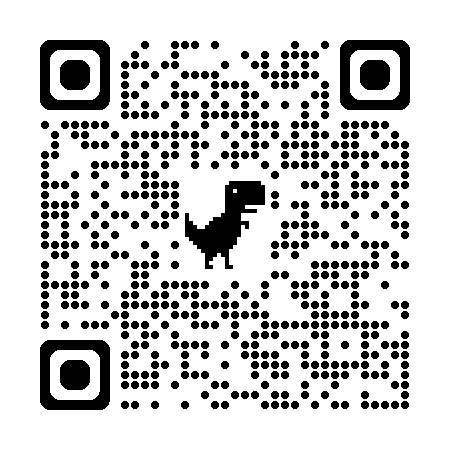
If your student has a health condition that requires intervention at school, please scan this QR code for the required documentation.
Vaccines
Please review your student’s vaccine record for the upcoming school year.
How to View Your Student’s Immunization Record
1. Log in to your Skyward Q Parent Portal using your username and password.
2. Select your student (if you have more than one child enrolled).
3. Click Menu.
4. Click on Health.
5. Select Vaccinations.
6. Review your student’s immunization record.
If the second column shows conditional or provisional, your student’s vaccines are incomplete.
Información de Regreso a Clases
de parte de su
Enfermera Escolar
Condiciones de Salud
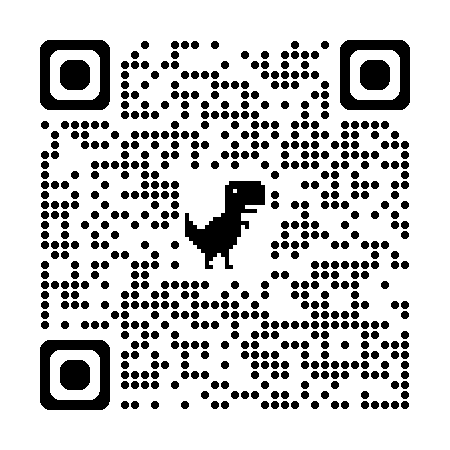
Si su estudiante tiene una condición de salud que requiere intervención en la escuela, por favor escanee este código QR para obtener la documentación necesaria.
Vacunas
Por favor, revise el registro de vacunación de su estudiante para el próximo año escolar.
Cómo ver el registro de vacunación de su estudiante
1. Inicie sesión en el portal para padres Skyward Q utilizando su nombre de usuario y contraseña.
2. Seleccione a su estudiante (si tiene más de un hijo inscrito).
3. Haga clic en Menú.
4. Haga clic en Salud (Health).
5. Seleccione Vacunas (Vaccinations).
6. Revise el registro de vacunación de su estudiante.
Si la segunda columna indica "condicional" o "provisional", las vacunas de su estudiante están incompletas.
More info can be found here:
https://acrobat.adobe.com/id/urn:aaid:sc:US:b2ae2378-3453-4fc1-8e2d-facf44559398
Nurse Mandy's school site schedule:
